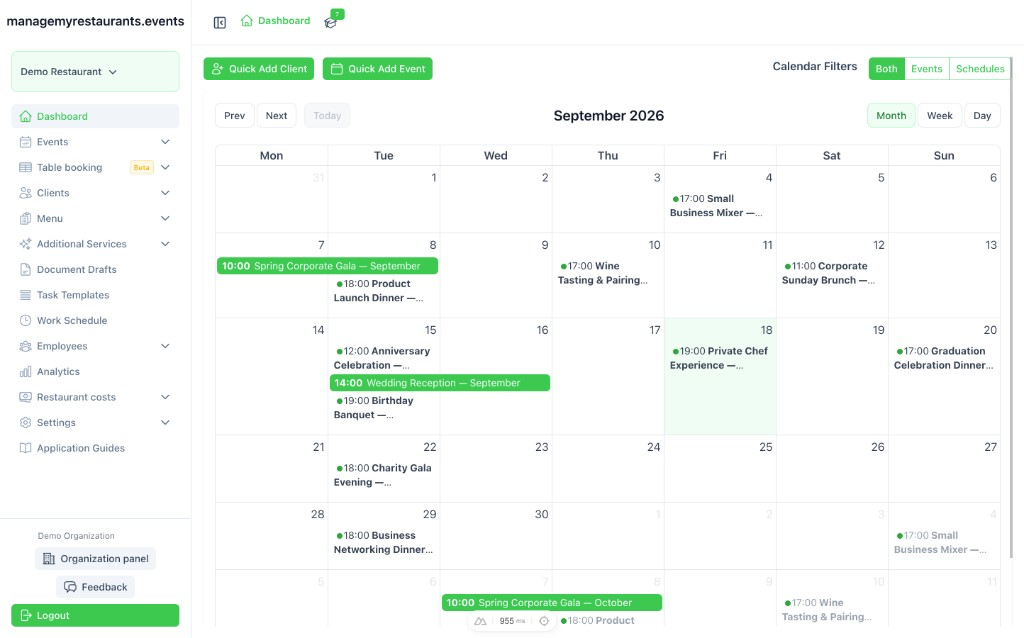
Run every restaurant event from one dashboard.
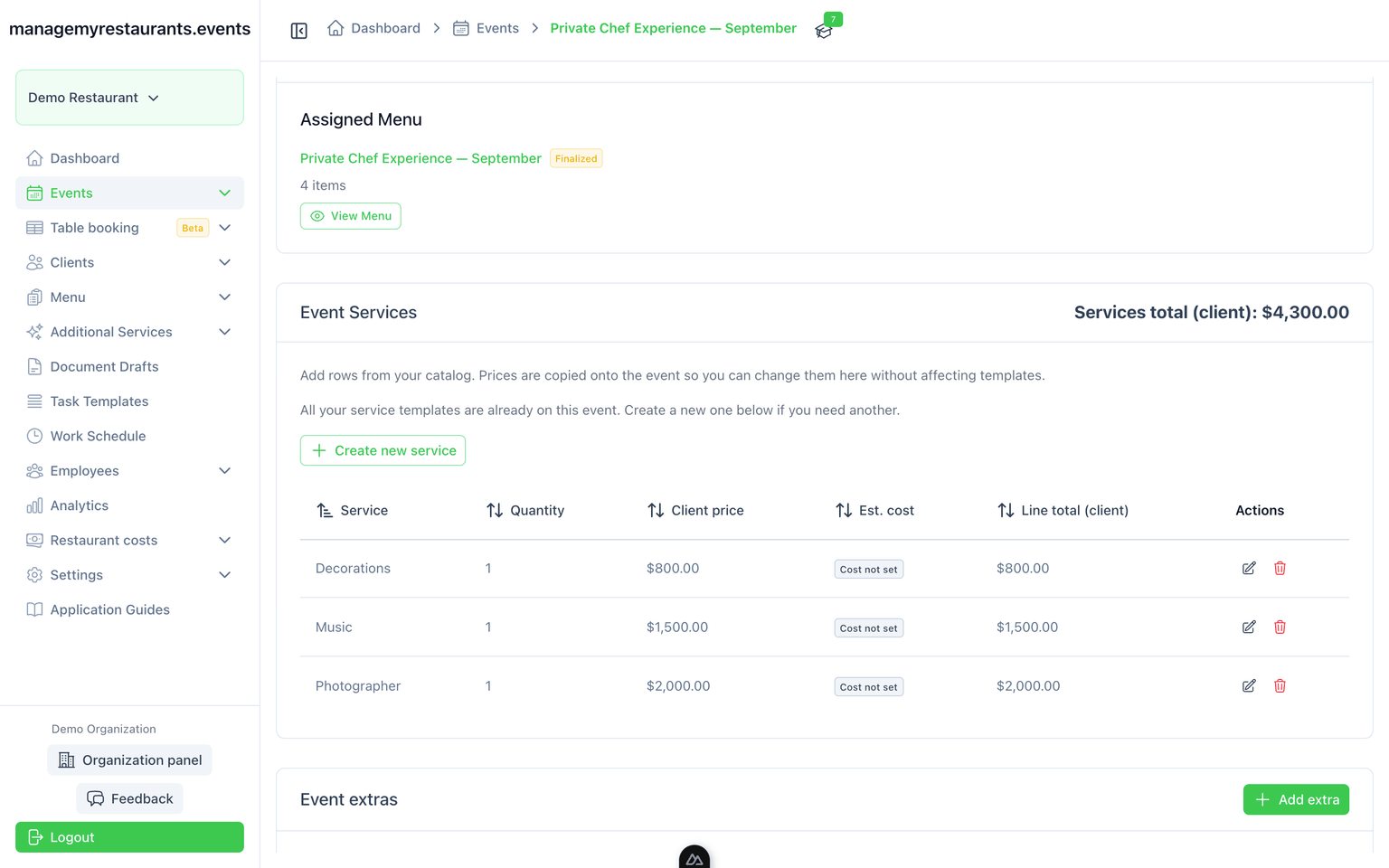
Menus, staff, and documents stay on the same event.
)
Watch How It All Connects
Preview
What you use on each restaurant event
Five modules on the event record. Staff, schedules, clients, costs, and analytics are on the Features page.
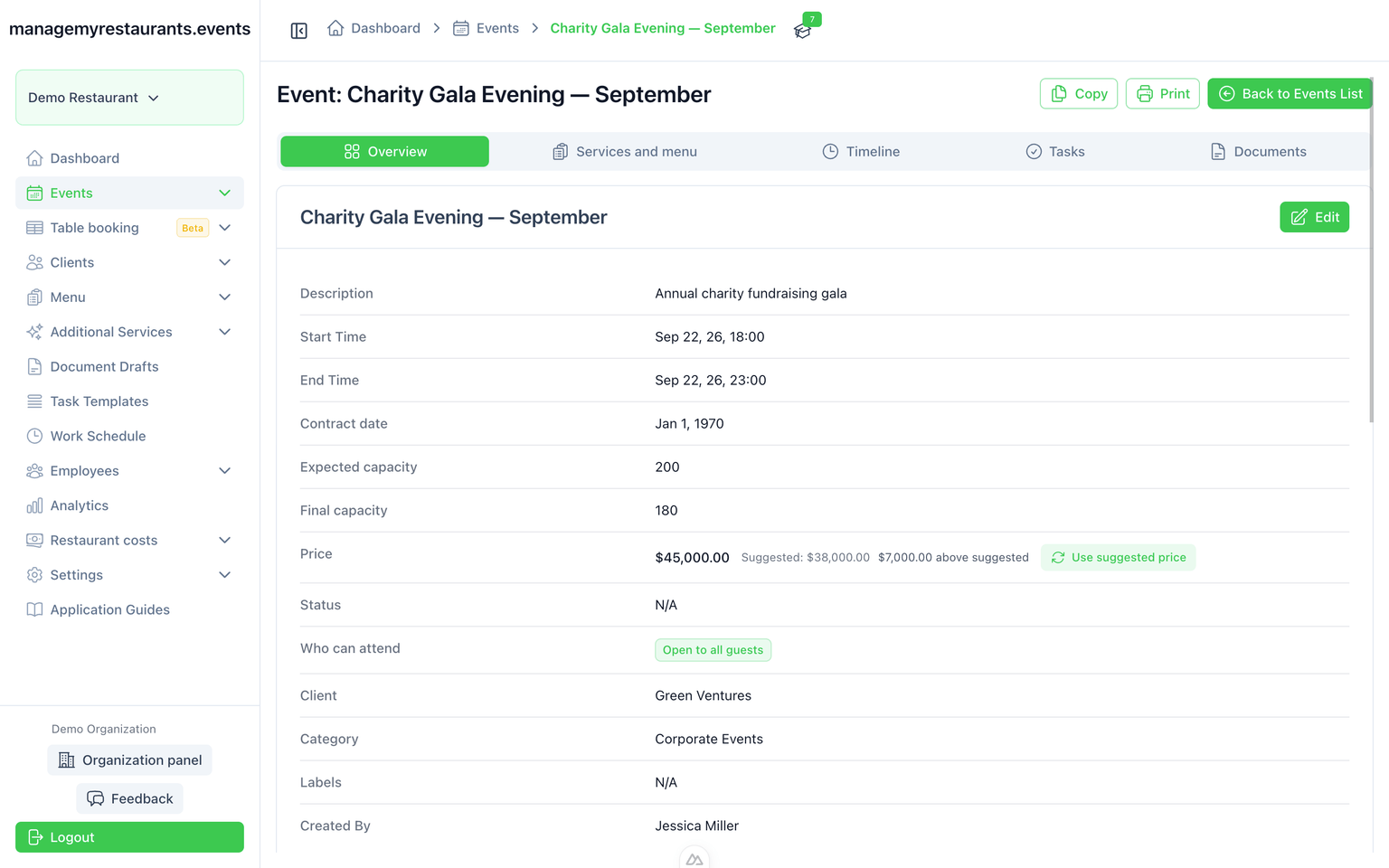
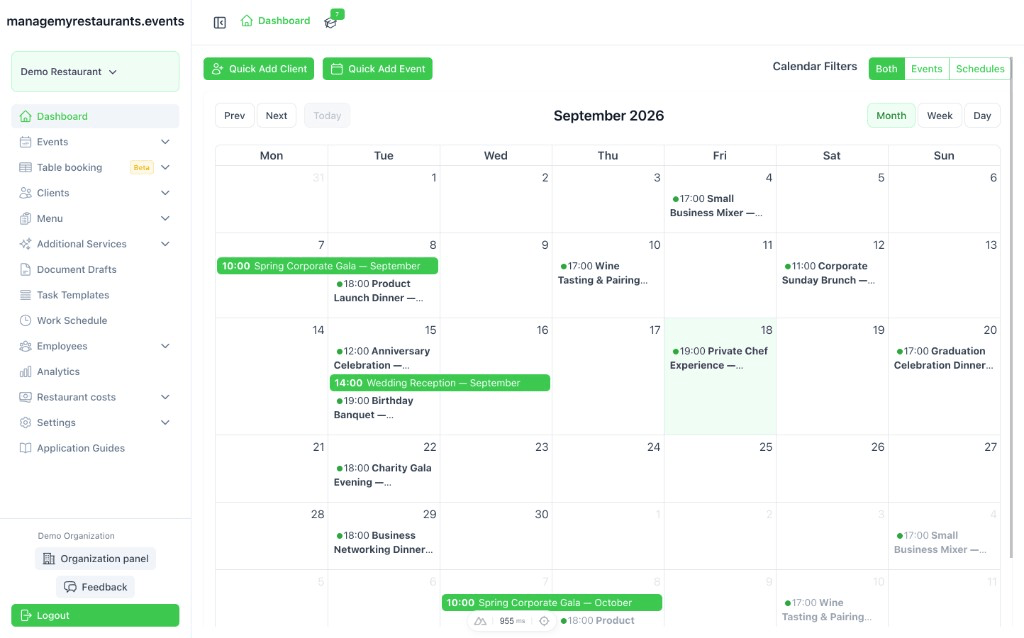
Events
Client, date, and status in one place — not a folder of emails.
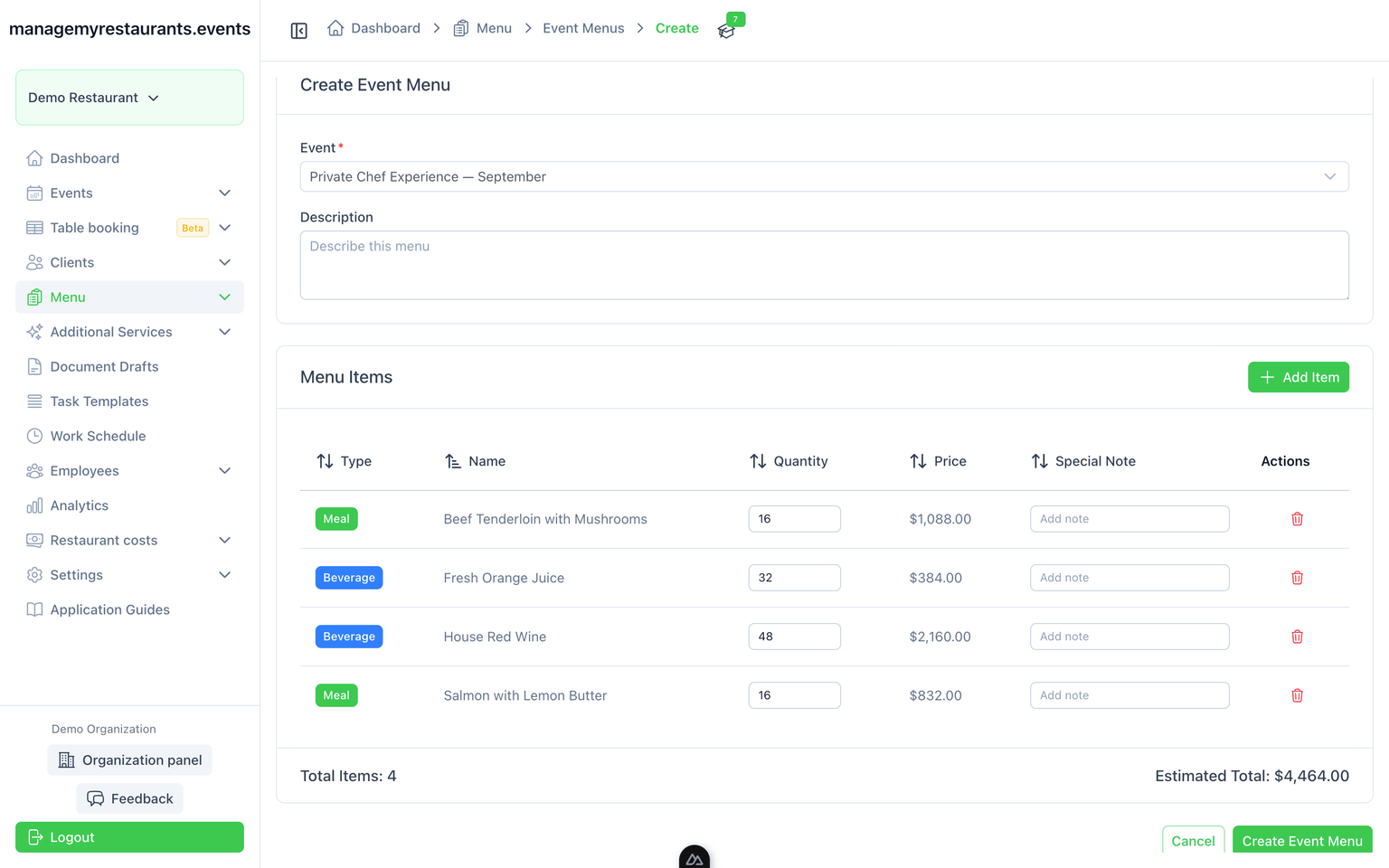
Menus
Kitchen sees the dishes; you get a shopping list from the same menu.
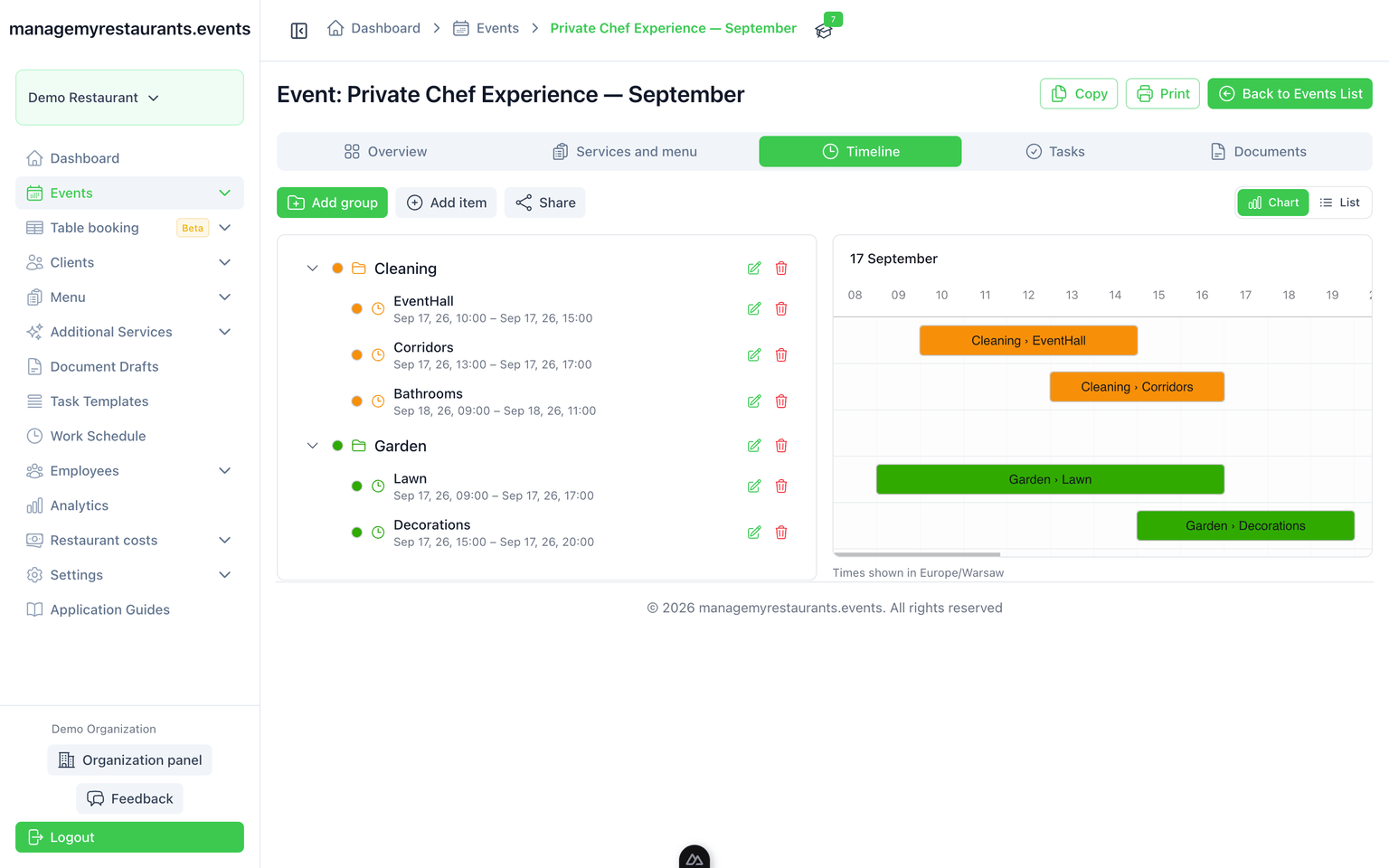
Timelines
Minute-by-minute plan you can share with the team.
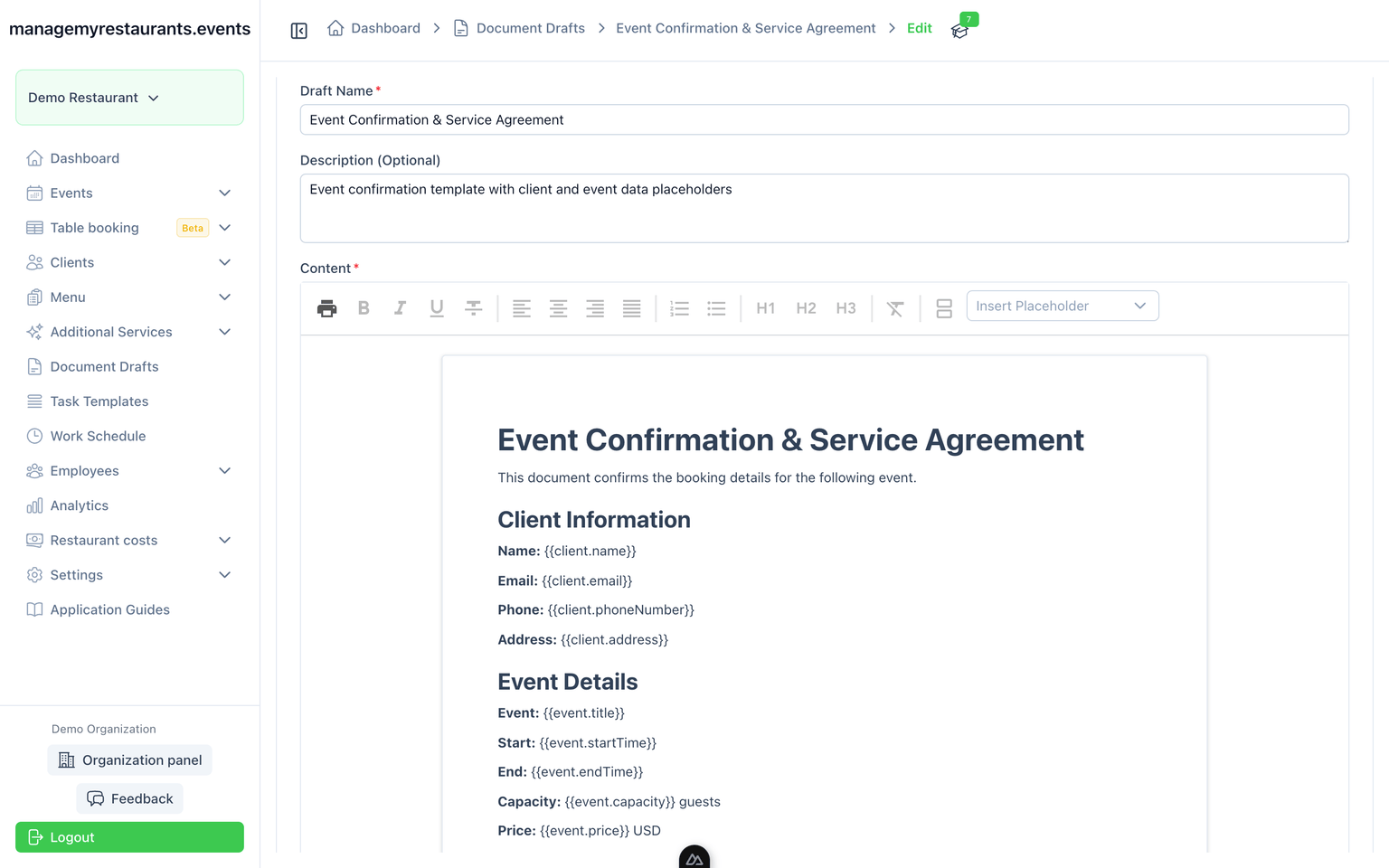
Documents
Templates fill from the event and client — no retyping the paperwork.
Task templates
The same prep checklist every time, copied onto the event board.
The rest of the product, and pages for your kind of business
Features
Menus, documents, timelines, tasks, team, schedules, clients, services, costs, and analytics each have their own page.
See all featuresIndustries
Restaurants, banquet halls, and hotels use the same tools in different rooms. Start with the page that matches how you work.
See industries
Up and running in 3 steps
From first login to your first managed event -- it takes minutes, not days
Sign up and name your restaurant
Create your account, name your restaurant, and invite your team members.
Add a client and create your first event
Add a client and schedule an event—that's all you need to start managing.
Turn on modules when the event needs them
Turn on menus, task boards, documents, and more as your events grow in complexity.
Simple, transparent pricing
One plan, all features. No hidden fees.
- 10 seats included
- 1 active restaurant
Everything included:
Run the next restaurant event from one dashboard
Frequently Asked Questions
Get answers to common questions about managemyrestaurants.events