
The client on the booking, and the events you already ran with them
Save the person or company you book with. Attach them to the event, and open their past bookings from the same record. Kitchen and floor never see this.
What this is for
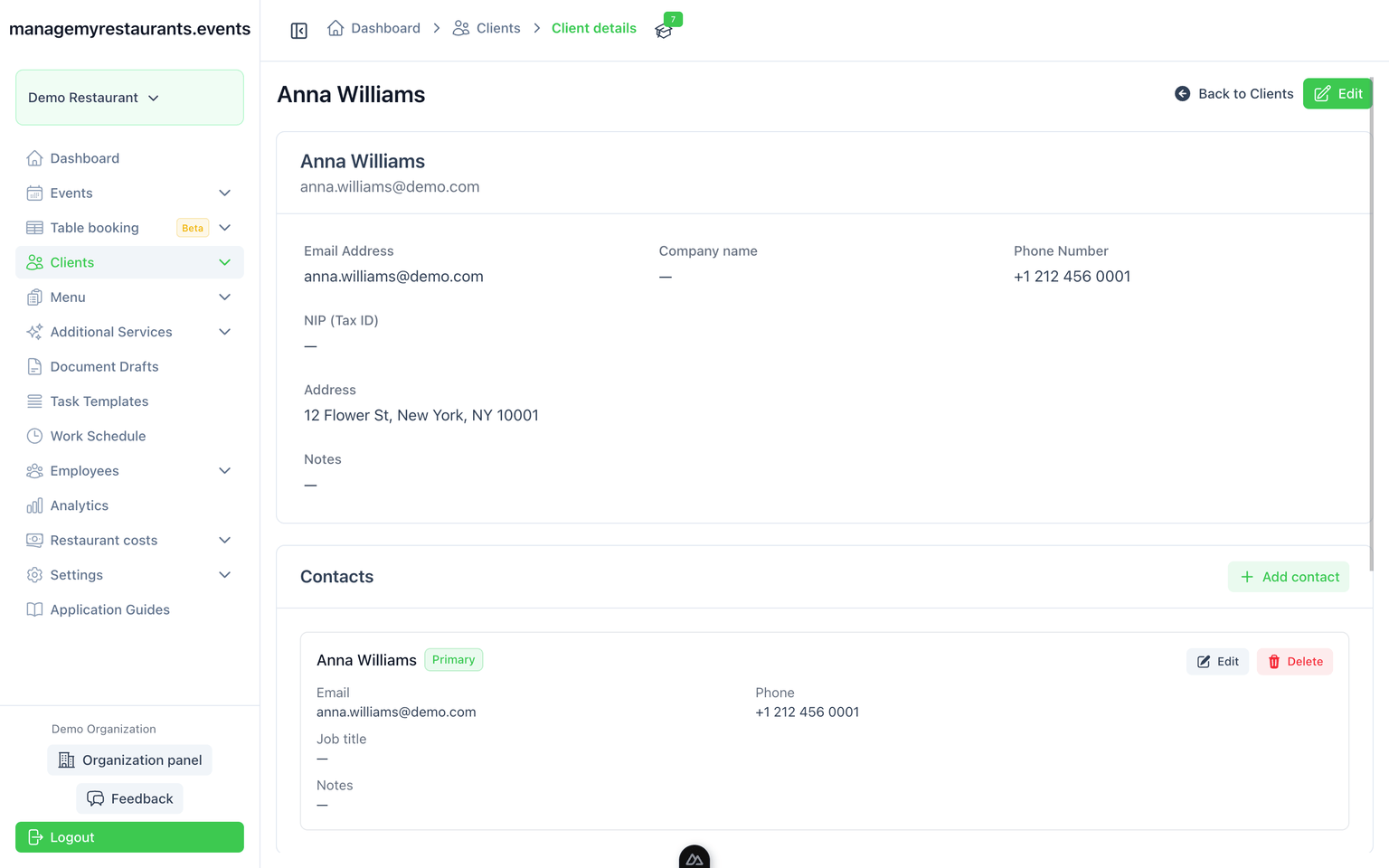
Clients is the contact file for people and companies you run events with. When they book again, you open the same record instead of searching last year’s details in email or a spreadsheet. You see who they are, how to reach them, and which events you already did together.
How you use it
Add a person or a company
Name, contact, company if they have one, and notes the office needs. This is who you booked with — not a sales lead.
Attach them to the event
The booking points at that client. Documents and the office view can use the same name and details.
Open their past events
From the client record you see previous bookings. Useful when they ask for the same as last year.
Image to shoot
Empty for now. Event header with client name visible on the office view. Caption: staff dashboard of the same event with no client field. Split frame is fine.
What you have when you are done
A client record the office can reuse
The next booking starts from the person or company you already have — not from a copied email.
A history of events with them
Dates and past events on one page. Not a sales pipeline, and not deal stages.