
A run-of-show for the night that staff can actually open
Times and steps live on the event. Share them so the floor is not working from a photo in a group chat.
What this is for
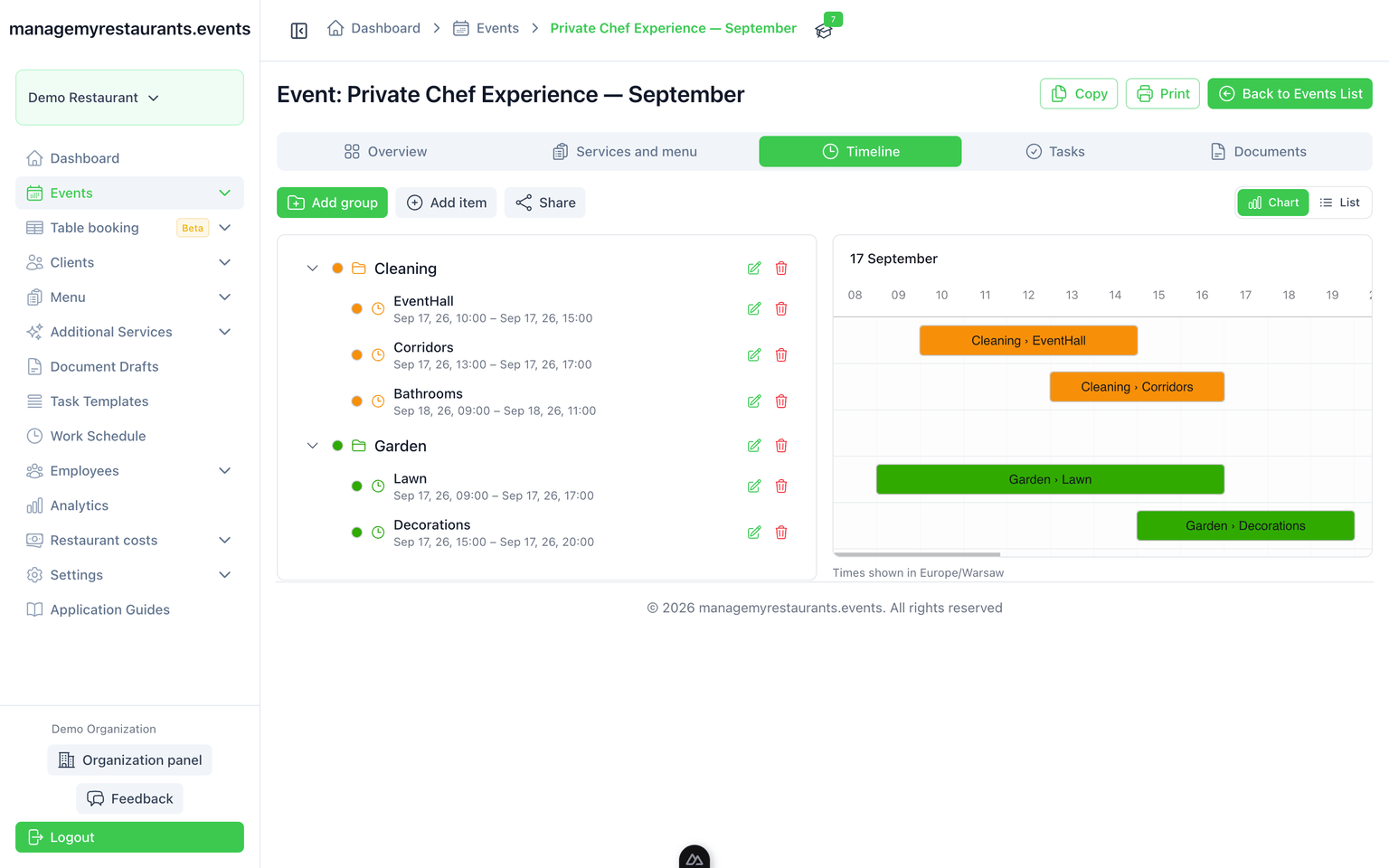
Timelines is the timed plan for the event: doors, welcome drink, service, speeches. You build it on the booking and share it, so office and floor are looking at the same times.
How you use it
Build the run-of-show on the event
Times and steps live next to the booking. Change the event, change the timing in one place.
Start from a sequence you already trust
A birthday or a gala can begin from a pattern you reuse, then you adjust this night.
Share it with staff
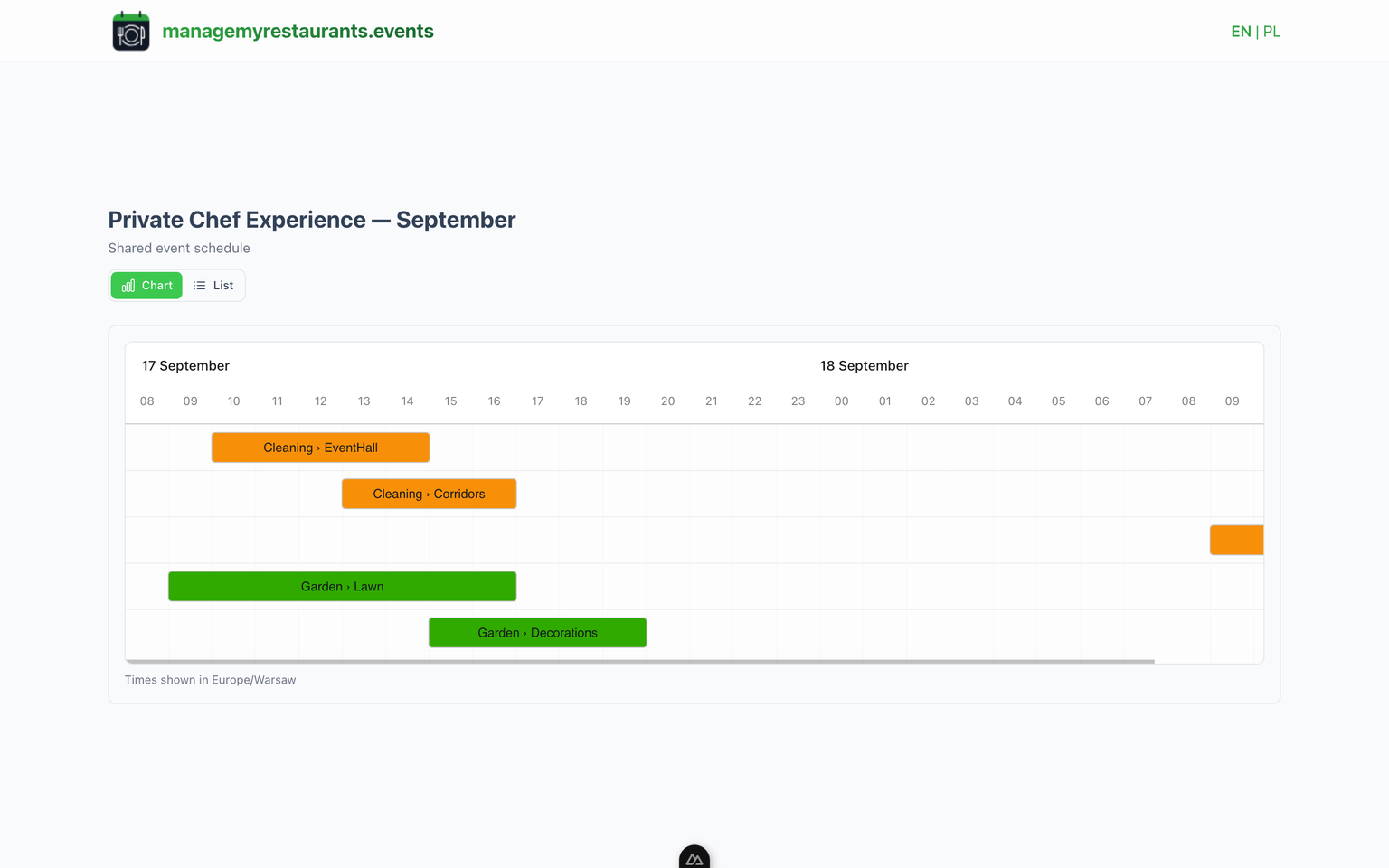
Send a view the floor can open without hunting through mail. They see the current plan, not last night’s printout.
What you have when you are done
One timing for the house
Office and floor look at the same event when they need to know when doors open.
A link instead of a screenshot
Share the timeline. When you fix a time, staff are not stuck with the photo from the briefing.
What this is not
Not a chat, and not a live radio to the floor. It is the timed plan for this event, which you can share.